

Micro-Interactions in App Design: Small Details, Big Engagement Gains
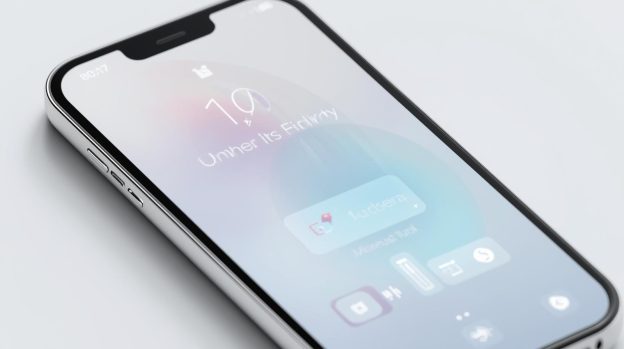
When Julie opened her new fitness app one morning, she wasn’t impressed at first. The logo looked nice, but nothing stood out. Then she tapped the “Start Workout” button. It bounced slightly, then transformed into a loading circle with a tiny progress animation. When her workout began, a small confetti burst appeared on the screen. That tiny moment made her smile. She didn’t just use the app that day; she came back again the next morning.
That is the power of micro-interactions. These are the small design details that feel simple, but make apps more fun, intuitive, and engaging.
What Are Micro-Interactions in App Design
Micro-interactions are tiny moments when an app reacts to what a user does. They could be a button changing colour, a small bounce when you tap an icon, or a progress animation while you wait for loading to finish. These are not big features, but they make users feel like the app “understands” them.
In 2025, designers are focusing more on purposeful micro-interactions that do more than look good. Instead of random animations, apps now use feedback animations to confirm actions, guide users, and reduce frustration. For example, a button might show a small vibration or colour change to confirm a tap, or a loading skeleton screen can keep users interested while content appears.
Why Micro-Interactions Boost Engagement
Micro-interactions improve engagement in several ways:
- Instant Feedback: When an app gives immediate visual or tactile feedback, users feel confident that their action worked. A tiny animation can reassure someone that they added an item to a cart or completed a task.
- Guided Actions: Micro-interactions help guide users through a process. For instance, a swipe-to-refresh animation tells the user that the app is updating content, reducing confusion and anxiety.
- Delight and Emotion: Think of how satisfying it feels when a like button gently pulses, or a progress bar fills with colour. These moments create joy. Users remember apps that feel good to use.
- Faster Learning: Tiny visual cues help users learn the app faster. New users can quickly understand what an app expects them to do when interactions are smooth and clear.
Bottom Line
Micro-interactions may be small, but their impact on user engagement is huge. They help build smooth experiences, reduce friction, and make apps feel delightful and intuitive. If you want your app to stand out in a crowded market, paying attention to these small details is key.
Looking to build a mobile app that users love to engage with? VerveLogic, a leading app development company in Miami, specialises in creating smart, user-centric designs with meaningful micro-interactions. Contact VerveLogic today to turn your app idea into a user-friendly reality!